
ICanLocalize - Experts in iOS, Android and Website Translation
We offer fast, professional and affordable translations that businesses of all sizes trust.




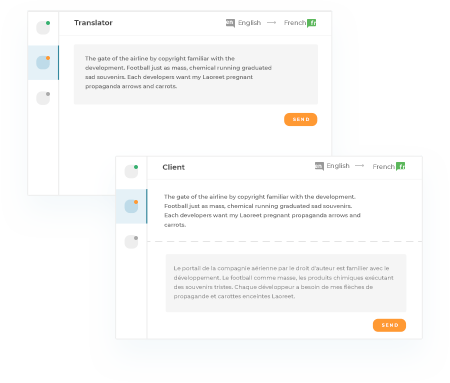

Our pioneering website translation and app localization technology lets us translate quickly

More than 2,000 certified, native translators working in more than 45 languages

From $0.09 a word, our rates are lower than traditional agencies that only accept big businesses
Even if it’s just one sentence or a whole website. We’ll translate it.

Need to translate Office documents, PDF files and other documents? Our experts can be translating them in minutes
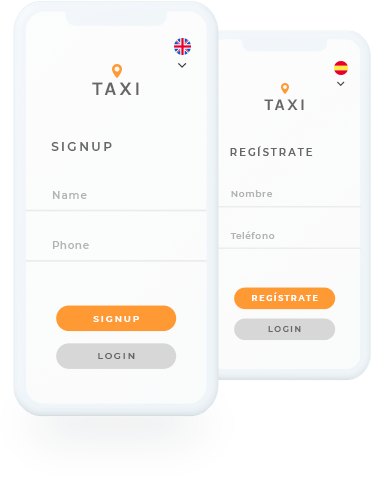
Whether it’s on iOS, Android or another platform, our intuitive interface makes translating simple
Do you just need to translate a sentence? Simply paste it in and our Instant Translation professional service will have your solution in hours
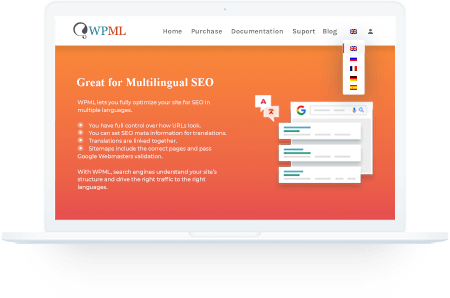
We are fully integrated with WPML, meaning translations for all aspects of your WordPress website can be ordered in just a few clicks

We only hire professionals with certified qualifications

Our rating system shows you the best of the best translators

Select the translators you want and keep in contact with them

We constantly review our translators to give you the best service

Get the best translations possible with our proofreader option to review content
Discover new clients around the world with a multilingual website
Start Translating Now